Use AI to generate site content, page content, individual blocks, and translations.
Prerequisites: You need an AI API key configured in Settings > AI Keys. The platform supports both Anthropic (Claude) and OpenAI (GPT) — you only need one.
Overview
AI content generation helps you build your website faster by automatically creating professional content. You can generate content at three levels: full site, individual page, or single block.
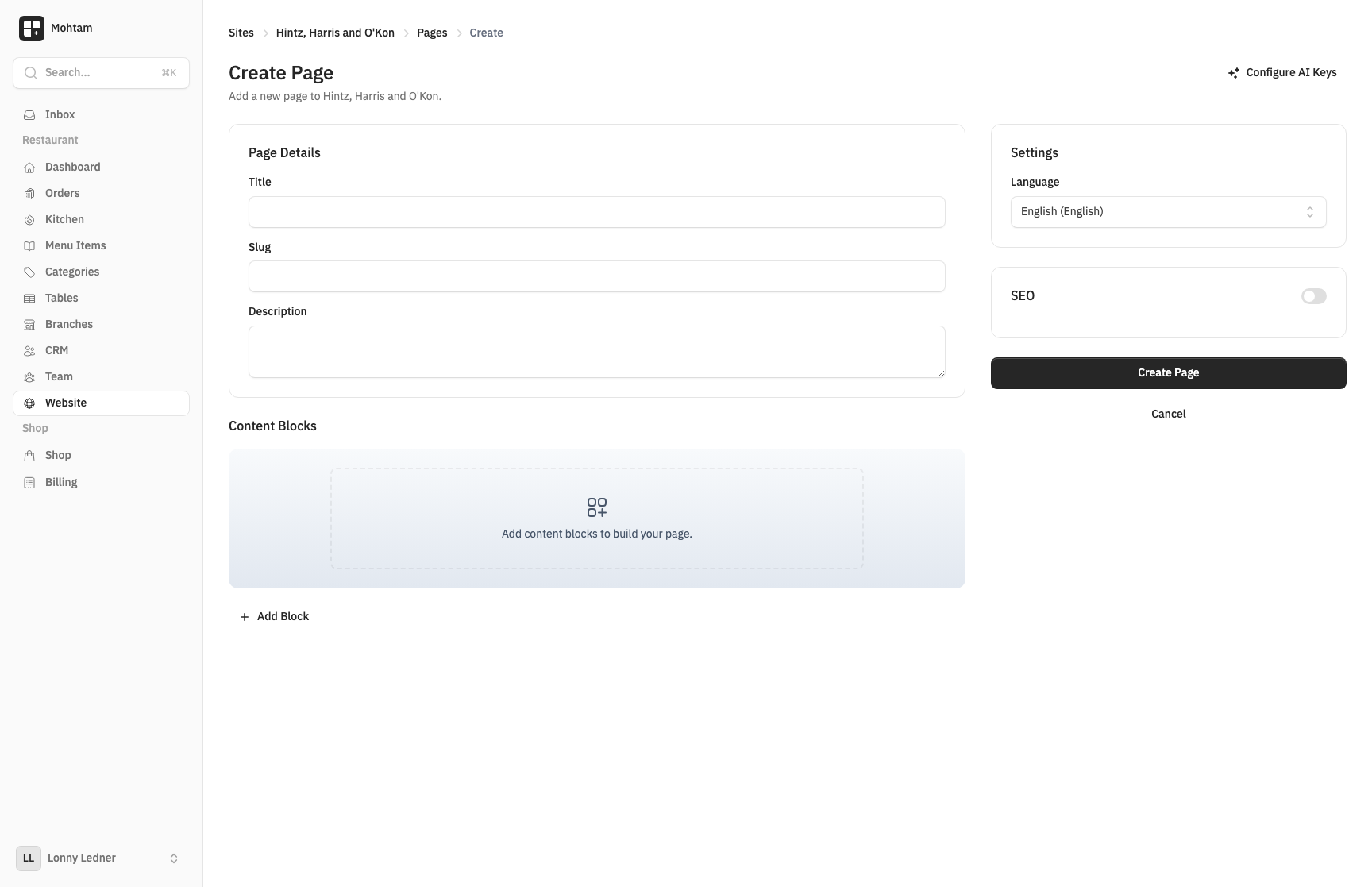
Generating Full Site Content
When you create a new site, you can use AI to generate an entire site structure with multiple pages and content blocks. Provide a brief description of your business or purpose, and the AI will create a complete set of pages with relevant content, headings, and calls to action.
Generating Page Content
For individual pages, click the AI Generate button in the page builder. Describe what the page should cover, and the AI will populate it with appropriate blocks including headers, paragraphs, lists, and other relevant content types.
Generating Single Blocks
You can also generate content for a single block. When editing a block, use the AI option to generate or rewrite its content based on a prompt. This is useful for refining specific sections without affecting the rest of the page.
AI Translation
If your site supports multiple languages, AI can translate your content automatically. Navigate to a page in a secondary language and use the Translate with AI option. The AI translates all blocks while preserving formatting and structure.
Translation works between all supported languages and handles RTL languages like Arabic correctly.
Setting Up API Keys
AI content generation requires an API key. Go to your workspace Settings and enter your API key in the AI configuration section. The platform supports popular AI providers. Once configured, AI features become available across all your sites.
Tips for Best Results
- Provide clear, specific descriptions when generating content.
- Review and edit AI-generated content to match your brand voice.
- Use single-block generation for fine-tuning rather than regenerating entire pages.
- Translate content after finalizing the original language version to avoid duplicate work.