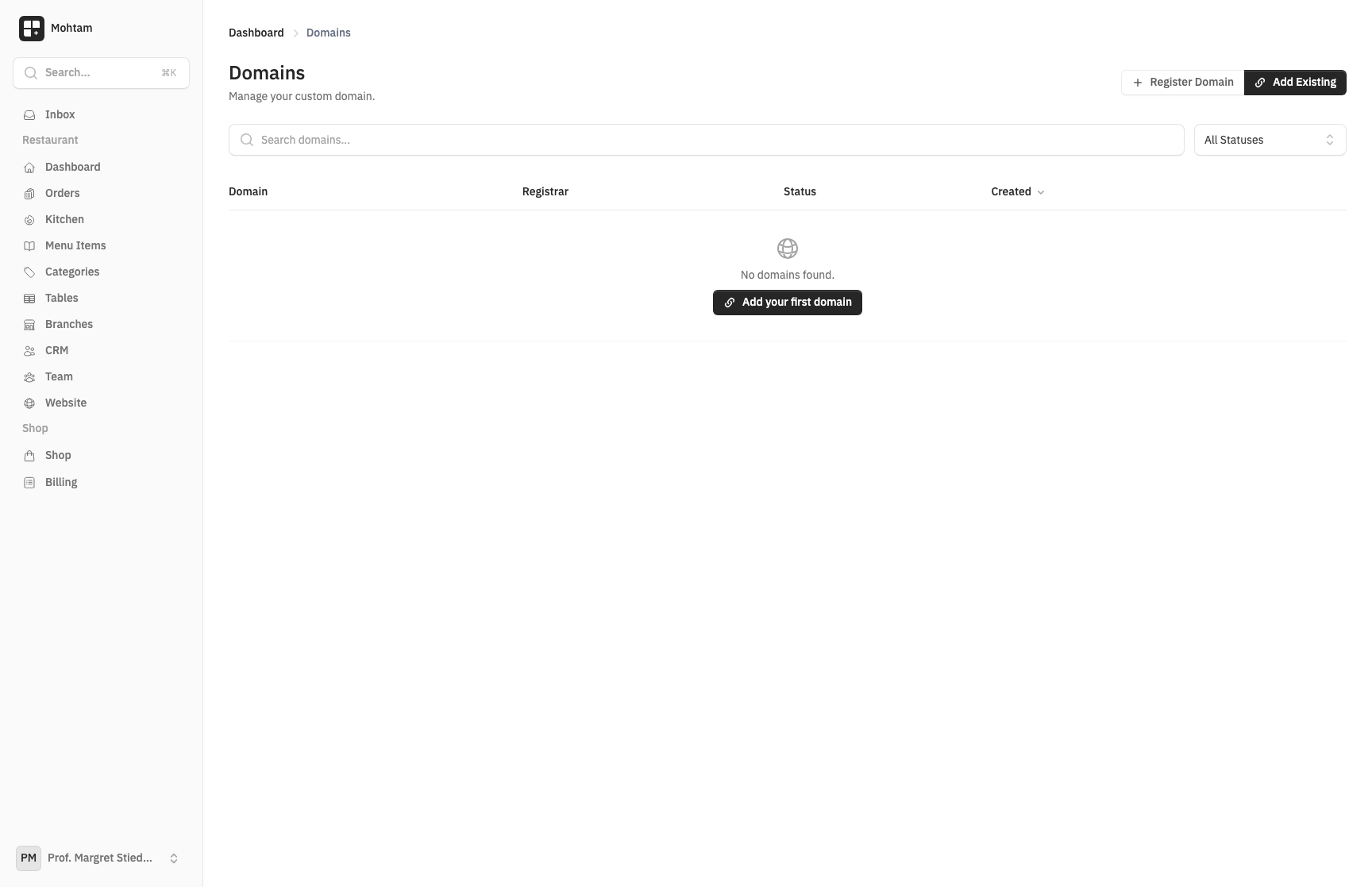
Connect your own domain to your site with SSL and DNS configuration.
Prerequisites: Custom domains require a Pro plan or higher. Free plan users cannot add custom domains. You also need access to your domain's DNS settings.
Plan Limits: Pro: 1 domain · Business: 5 domains · Enterprise: Unlimited
Overview
Every site gets a free default subdomain, but you can connect your own custom domain (e.g., www.yourbusiness.com) for a professional web presence.
Adding a Custom Domain
- Go to your site's Settings page.
- Navigate to the Domain section.
- Enter your custom domain name (e.g.,
www.yourbusiness.comoryourbusiness.com). - Click Add Domain to begin the setup process.
DNS Configuration
After adding your domain, you need to update your DNS records at your domain registrar (e.g., GoDaddy, Namecheap, Cloudflare). Create the following record:
- Type: CNAME
- Name:
www(or@for root domain) - Value: The CNAME target shown in your domain settings
DNS changes can take up to 24-48 hours to propagate, though most updates take effect within a few minutes.
SSL Provisioning
Once your DNS records are verified, an SSL certificate is automatically provisioned for your domain. This enables HTTPS and ensures your site is secure. No manual configuration is needed — the certificate is issued and renewed automatically.
Verification Process
The platform periodically checks your DNS configuration. You can also trigger a manual verification from the domain settings. Once verified, your domain status changes to Active and your site is accessible at the custom domain.
Troubleshooting
- Domain not verifying — Double-check the CNAME record value and ensure there are no conflicting A records.
- SSL not working — Wait a few minutes after DNS verification. SSL provisioning can take up to 10 minutes.
- Site not loading — Clear your browser cache and try an incognito window. DNS caching may show stale results.
- Root domain issues — Some registrars require an ALIAS or ANAME record for root domains instead of CNAME. Check your registrar's documentation.