Create products with pricing, images, variants, and stock tracking.
Plan Limits: Starter: 20 products · Growth: 100 products · Professional: 500 products · Enterprise: Unlimited
Creating a Product
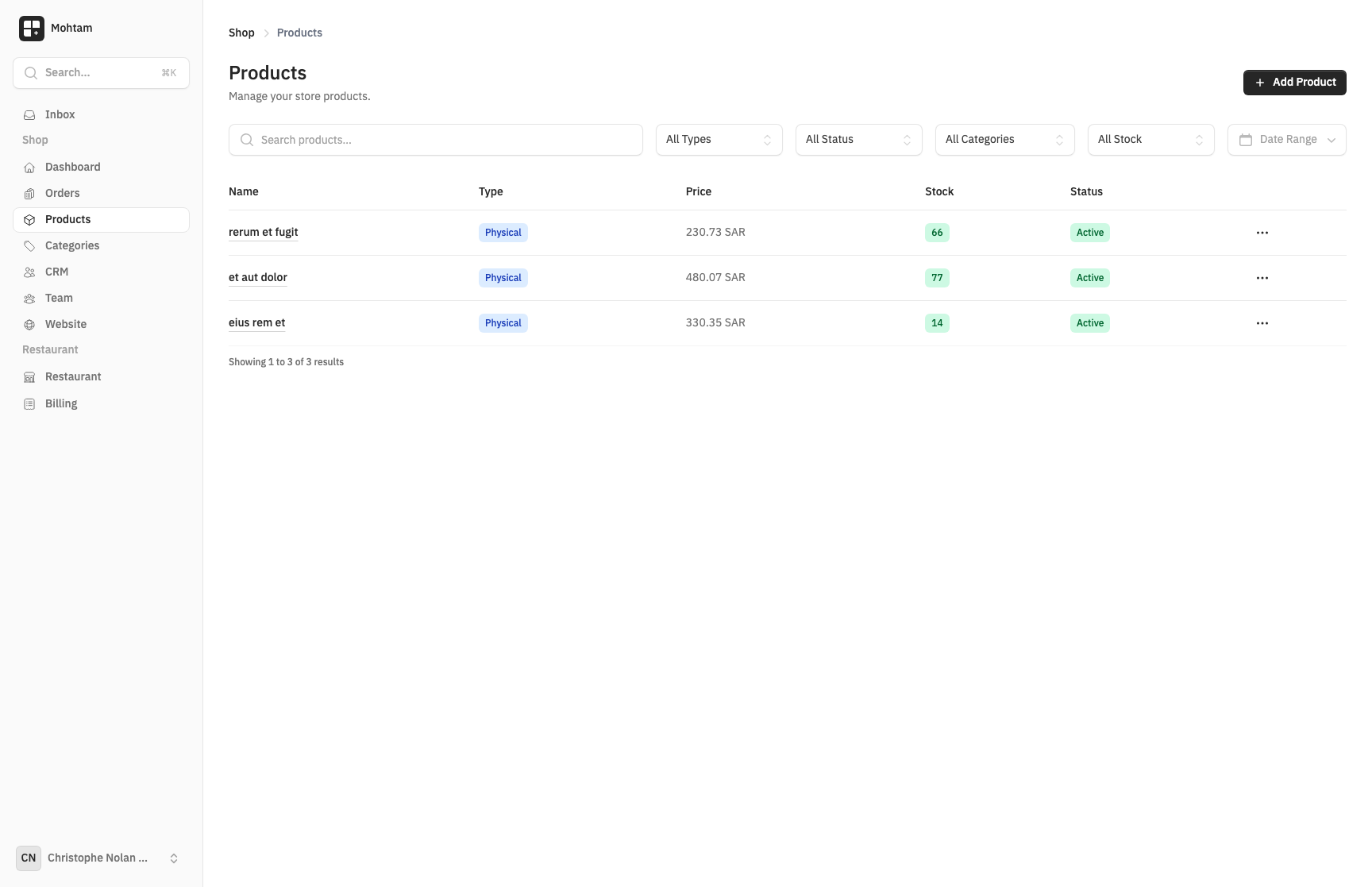
Navigate to Shop > Products and click Add Product. Every product requires a name and a price. You can also provide:
- Description — A detailed text description displayed on the product page.
- Images — Upload one or more product images. The first image is used as the primary display image.
- SKU — A unique stock keeping unit identifier for internal tracking.
Product Types
Choose the product type that matches what you are selling:
- Physical — Tangible goods that require shipping (e.g., clothing, electronics).
- Digital — Downloadable products delivered electronically (e.g., e-books, software).
- Service — Non-tangible offerings (e.g., consulting, design work).
Pricing
Each product supports three price fields:
- Price — The selling price shown to customers.
- Compare-at Price — An optional original or retail price displayed with a strikethrough to highlight discounts.
- Cost Price — Your internal cost for profit margin calculations. Not visible to customers.
Variants
Variants let you sell a single product in multiple configurations. Common variant options include Size (S, M, L, XL) and Color (Red, Blue, Black). Each variant can have its own:
- Price override
- SKU
- Stock quantity
- Active/inactive status
To add variants, enable the Has Variants toggle on the product form and define your options. The system generates all possible combinations automatically.
Stock Tracking
When stock tracking is enabled, each variant maintains its own inventory count. Products without variants track stock at the product level. See Inventory Management for details on alerts and thresholds.