Getting Started with Restaurant
Set up your restaurant account, create your profile, and explore key features.
Prerequisites: Your account type must be set to Restaurant. This is configured when you first create your account or by contacting support.
What is a Restaurant Account?
A Restaurant account turns your device into a complete restaurant management system. Manage your menu, accept QR code orders from customers, track orders in a real-time kitchen display, and handle billing — all from one platform.
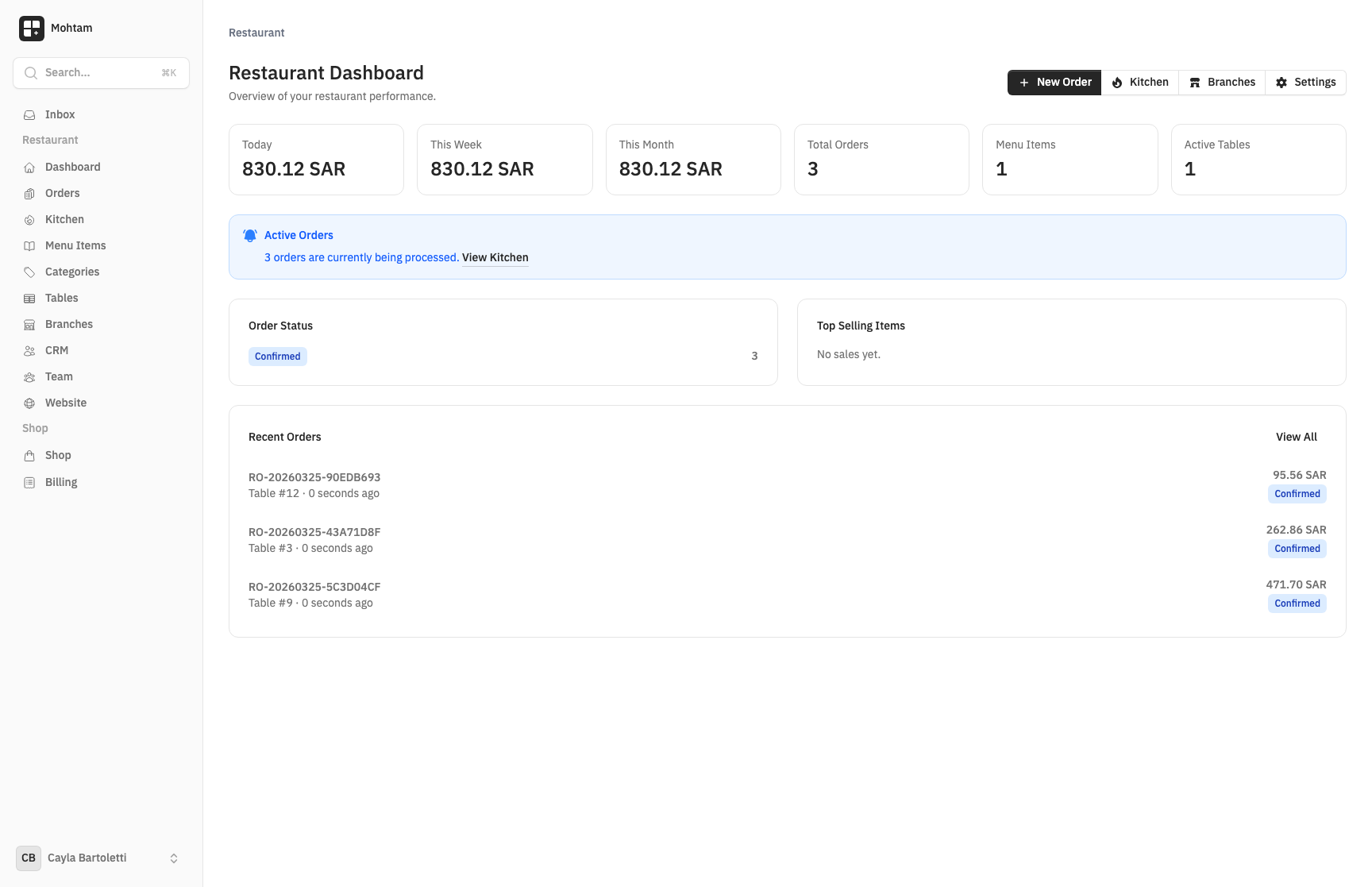
Key Features
- Menu Management — Create categories and items with prices, descriptions, calories, allergens, preparation times, and modifiers/add-ons.
- QR Code Ordering — Customers scan a QR code at their table to browse your menu, place orders, and pay — no waiter needed for ordering.
- Kitchen Display System — A real-time order feed that shows incoming orders and tracks their status from confirmed to served.
- Order Management — Create manual orders (cashier mode), update statuses, process payments, and print ZATCA-compliant invoices.
- Tables & Branches — Manage table layouts with capacity settings, generate per-table QR codes, and run multiple branches from one account.
Initial Setup
- Log in and navigate to your workspace.
- Go to Restaurant Settings and fill in your restaurant name, description, and currency.
- Set your tax rate and preparation notice (a message customers see while waiting).
- Configure your billing information if you need ZATCA-compliant invoices (VAT number, commercial register, address).
Creating Your Restaurant Profile
Your restaurant profile is what customers see when they scan a QR code. Make sure to add:
- A clear restaurant name and description
- Your currency and tax settings
- A success message that customers see after placing an order
- Your supported languages
Next Steps
Once your profile is set, create your menu categories and items, set up your tables, and generate QR codes to start accepting orders.