Send real-time notifications to external services when events occur.
Prerequisites: You need at least one site created to configure webhooks. Webhooks are available on all plans.
What Are Webhooks?
Webhooks let you notify external applications when something happens in your workspace. Instead of polling for changes, your endpoint receives an HTTP POST request automatically whenever a subscribed event fires.
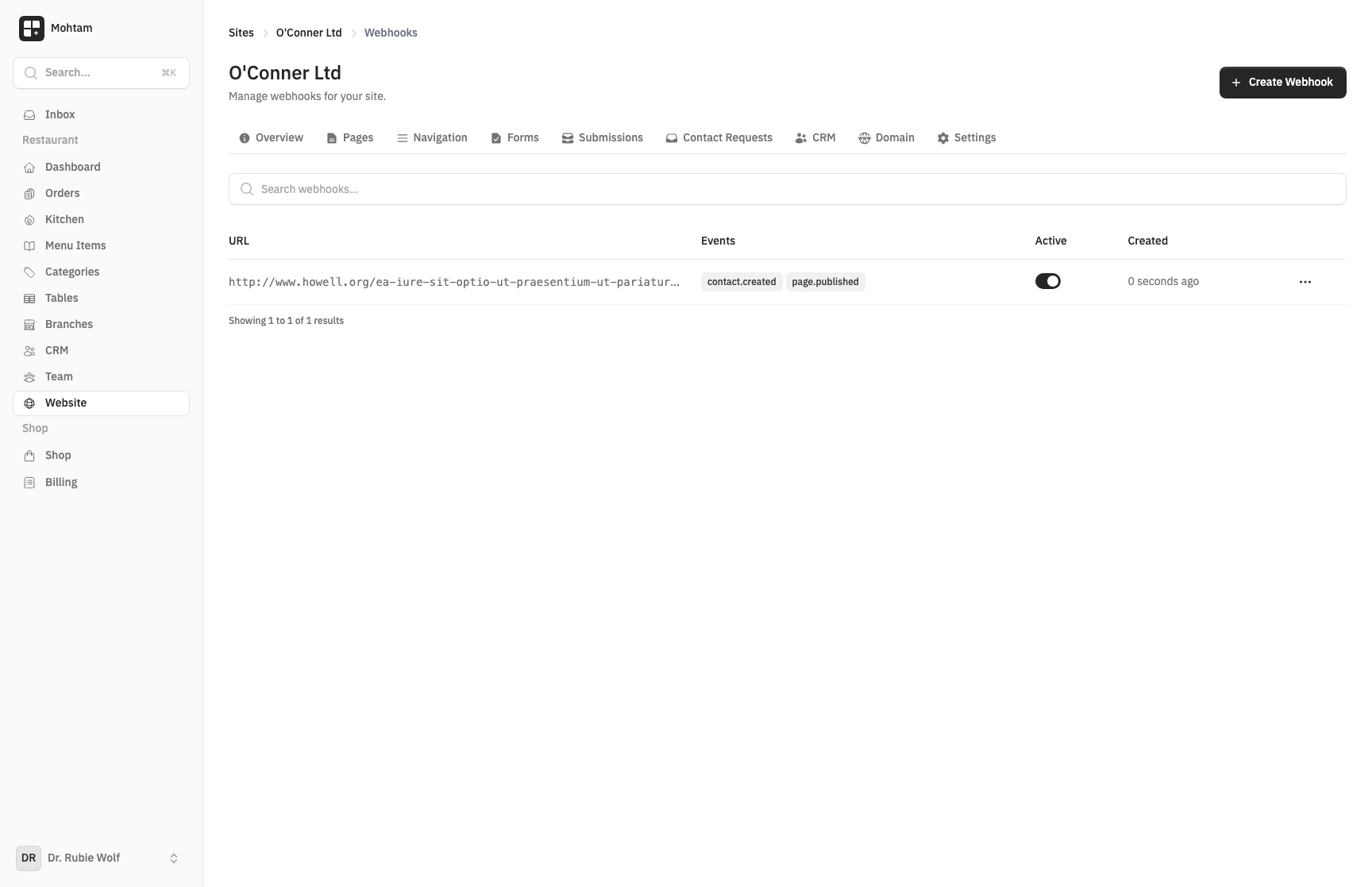
Creating a Webhook
- Go to Settings > Webhooks.
- Click Add Webhook.
- Enter the Endpoint URL — the URL that will receive the POST requests.
- Select the Events you want to subscribe to.
- Save the webhook.
Available Events
| Event | Triggered When |
|---|---|
contact.created |
A new contact form submission is received. |
page.published |
A page is published or updated. |
order.created |
A new order is placed. |
order.paid |
An order payment is confirmed. |
order.shipped |
An order status changes to shipped. |
product.created |
A new product is added. |
customer.created |
A new customer record is created. |
Payload Format
Each webhook delivery sends a JSON payload:
{
  "event": "order.paid",
  "timestamp": "2026-03-25T14:30:00Z",
  "data": {
    "id": "01JXXXX",
    "type": "order",
    "attributes": { ... }
  }
}
The data object contains the full resource representation relevant to the event.
Testing Webhooks
After creating a webhook, use the Send Test button to deliver a sample payload to your endpoint. This lets you verify that your server is reachable and processing the payload correctly before real events fire.
Delivery Logs
Every webhook delivery is logged. Go to the webhook detail page to see:
- Delivery timestamp
- HTTP response status code
- Response body (first 1 KB)
- Whether the delivery succeeded or failed
Failed deliveries are retried up to three times with exponential backoff. If all retries fail, the delivery is marked as failed in the logs.