Configure multiple languages, RTL layouts, and AI-powered translation.
Multi-Language Support
Your workspace supports content in multiple languages, allowing you to reach a broader audience. All user-facing text can be translated, and the layout automatically adjusts for right-to-left (RTL) languages.
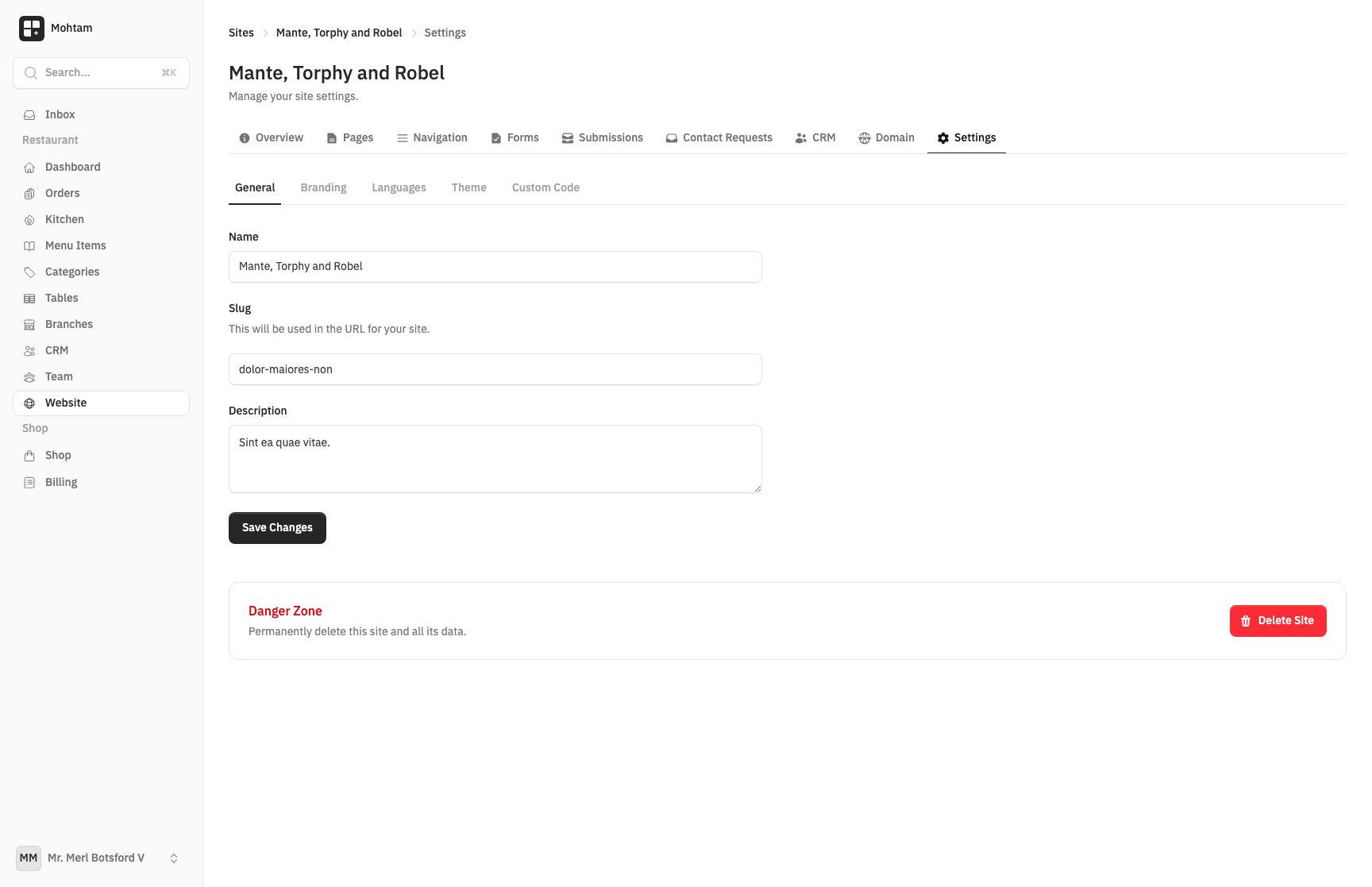
Supported Languages
The following languages are available:
| Language | Code | Direction |
|---|---|---|
| Arabic | ar |
RTL |
| English | en |
LTR |
| French | fr |
LTR |
| Spanish | es |
LTR |
| Turkish | tr |
LTR |
| German | de |
LTR |
| Urdu | ur |
RTL |
| Persian | fa |
RTL |
Setting the Default Language
Go to Settings > Languages to choose your default language. The default language determines:
- The language used for the dashboard interface
- The initial language visitors see on your public-facing pages
- The fallback language when translated content is unavailable
RTL Layout Support
When Arabic, Urdu, or Persian is active, the entire interface mirrors automatically — navigation shifts to the right, text aligns right, and all directional elements (arrows, breadcrumbs, sidebars) flip appropriately. No manual configuration is needed.
Translating Pages
Each page can be translated independently:
- Open a page in the editor.
- Switch to the target language using the language selector.
- Enter or edit the translated content.
- Save the page.
Untranslated pages fall back to the default language automatically, so visitors always see content rather than blank pages.
AI-Powered Translation
For faster translation, use the AI Translate feature. Select a page and click Translate to automatically generate translations into any supported language. AI translations provide a strong starting point that you can review and refine before publishing. This is especially useful for translating large amounts of content quickly.